Products/Document AI
InvoiceAI
Reads your invoices and checks its own work.
Built for: CA firms, finance teams and distributors.
The problem
Finance teams type GSTINs, dates, tax splits and totals into Tally by hand — hundreds of times a month.
What InvoiceAI does
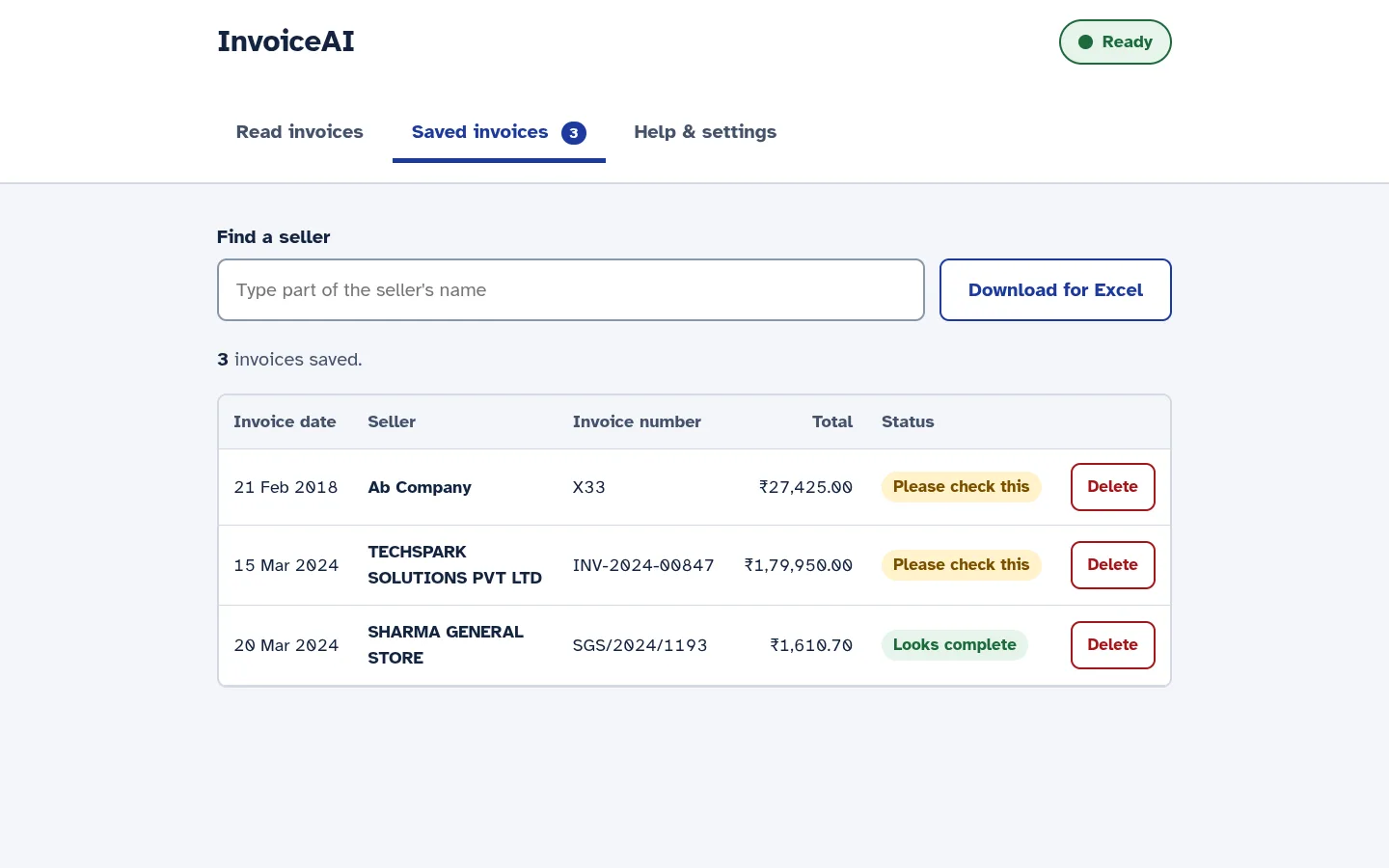
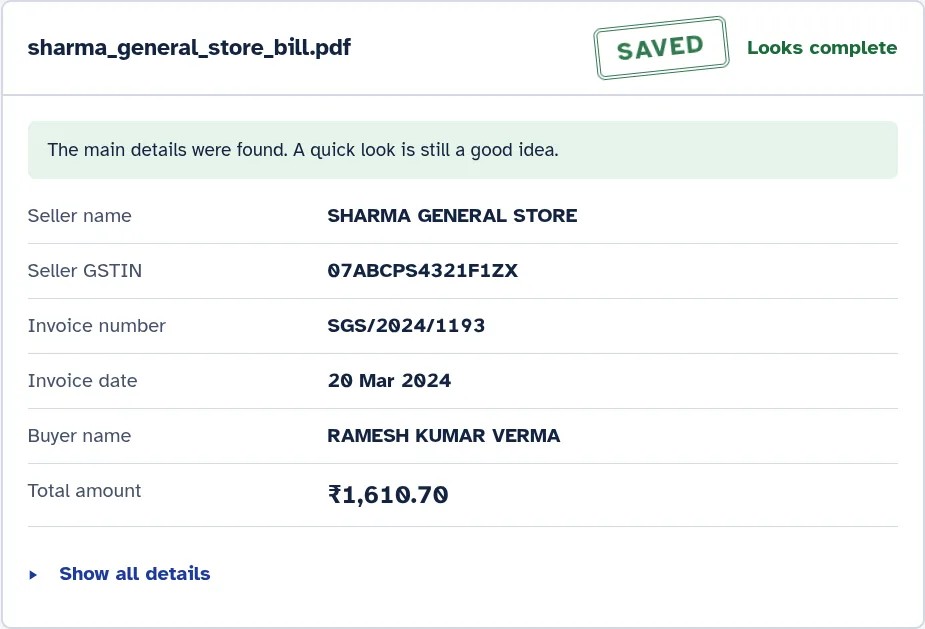
InvoiceAI reads GST invoices — digital PDFs, scanned bills and phone photos — and saves the seller, GSTIN, invoice number, date, tax and totals. Fixed rules then check what the AI read, and anything doubtful is marked for a person to review.
Runs: Today: on your own computer or server (Windows, Linux or Mac, with Docker). Cloud options are in development.
What it does today
- Reads digital PDFs, scanned bills and phone photos.
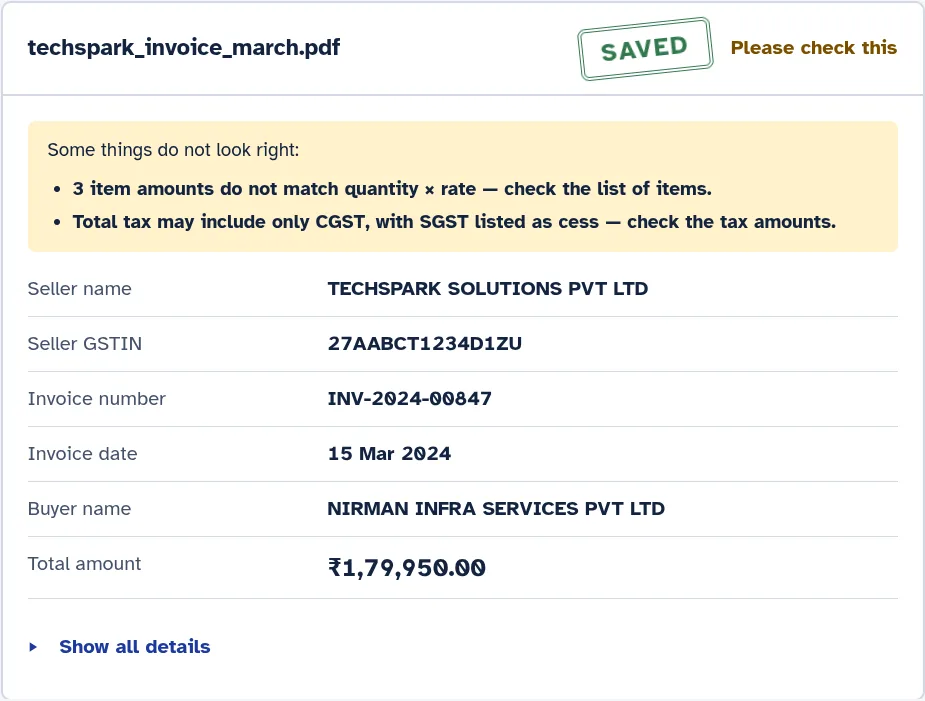
- Every GSTIN is checked against its built-in check digit.
- Totals and CGST/SGST are cross-checked, item by item.
- Anything doubtful is marked “Please check this” — never shown as complete.
- Saved invoices can be searched and downloaded for Excel.
- Runs on your own computer or server: your invoices never leave your office.
- Large text and plain words, designed for non-technical users.
Coming next
- A review screen to correct doubtful fields next to the invoice image.
- Export to Tally Prime and Zoho Books.
- Managed cloud and your-own-cloud options.
More screens
Questions
Do our invoices leave our office?
No. Today InvoiceAI runs on your own computer or server, and the AI models run there too. Nothing is sent to us.
How accurate is it?
We don't quote a general number. During a pilot we measure accuracy on your own invoices, against criteria we agree in writing before we start. Anything the system is unsure about is flagged for a person.
Does it work with Tally or Zoho Books?
Today you can download saved invoices for Excel. Direct export to Tally Prime and Zoho Books is in development.
What computer does it need?
A Windows, Linux or Mac computer or server with Docker. 8 GB of RAM or more is recommended; with less it runs in a lighter mode. No graphics card is needed, but one makes scanned invoices much faster.
How does a pilot work?
A short discovery call, then 2–4 weeks on your real invoices at a fixed price, with acceptance criteria written down up front.
Want to see InvoiceAI on your own work?
We reply within one working day. Or email hello@quantasharp.dev.